
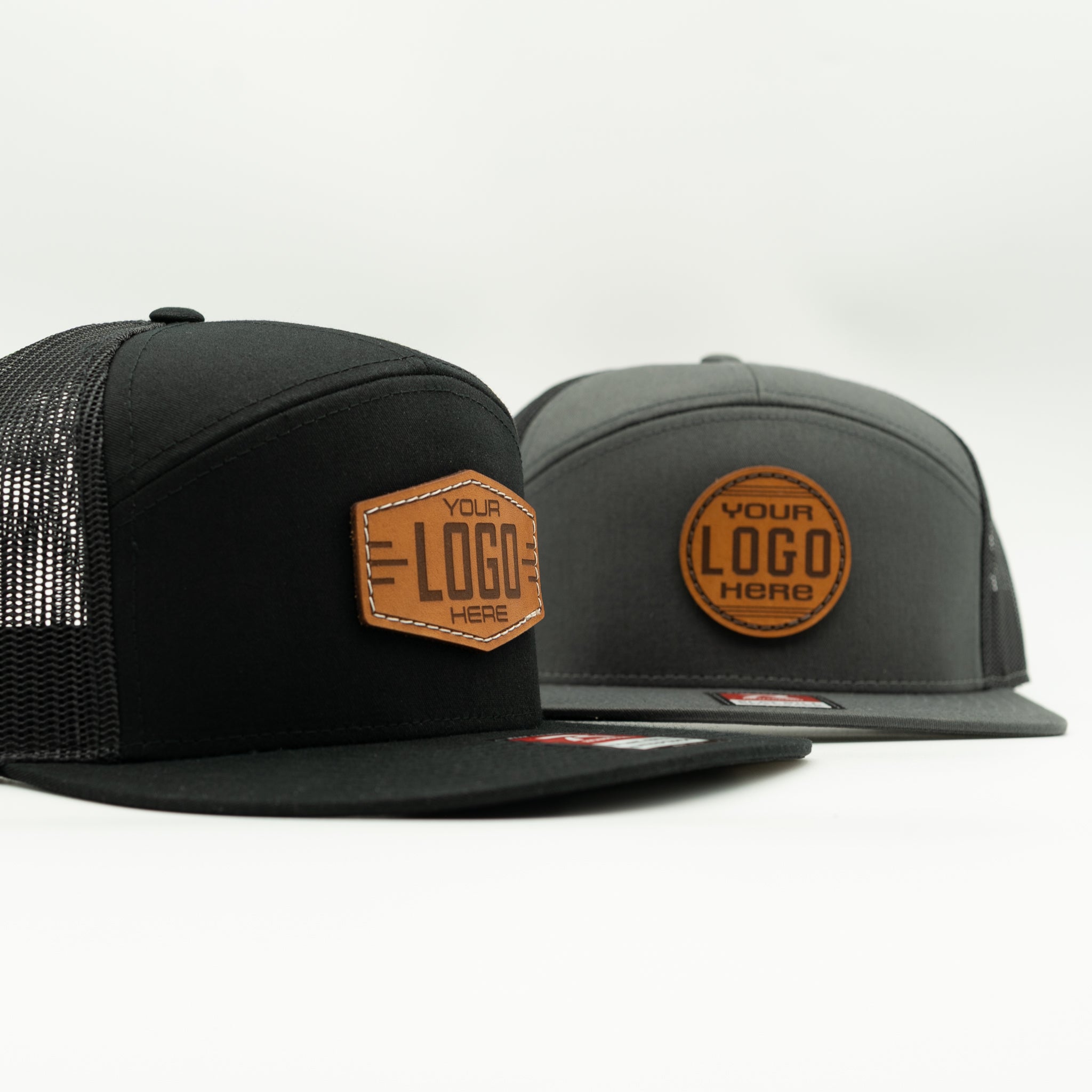
Custom Leather Patch Hats
Premium custom hats with real sewn leather patches, quality hat brands, and no minimum order. Build your hat online, or send us your logo and we’ll help you choose the right setup.
Sewn Real Leather Patches

Heat-Pressed Option Available

No Minimum Order

Premium Hat Brands
Artwork Setup Help
Handmade in North Carolina
Two Easy Ways to Start Your Custom Hat
Build it online, or send us your logo and we'll help you choose the right setup.
Build It Online
For customers who know what they want and are ready to choose hat style, patch shape, leather color, stitching, quantity, and upload a logo.
Build Your Hat OnlineWant Help First?
For customers who are not sure what will look best and want to send their logo first for help choosing the right hat, patch, and layout.
Send Us Your LogoHow Custom Hat Orders Work
Choose Your Hat
Pick the hat style, color, and quantity that fits your brand, event, or personal design.
Send or Upload Your Logo
Upload your artwork through the builder, or send it to us first if you want help choosing the best setup.
We Review the Details
We check your logo, patch layout, sizing, and engraving setup before production.
Your Hats Are Made
Once everything is ready, we make your custom hats with the patch option you selected.
Choose the Patch Option That Fits Your Order
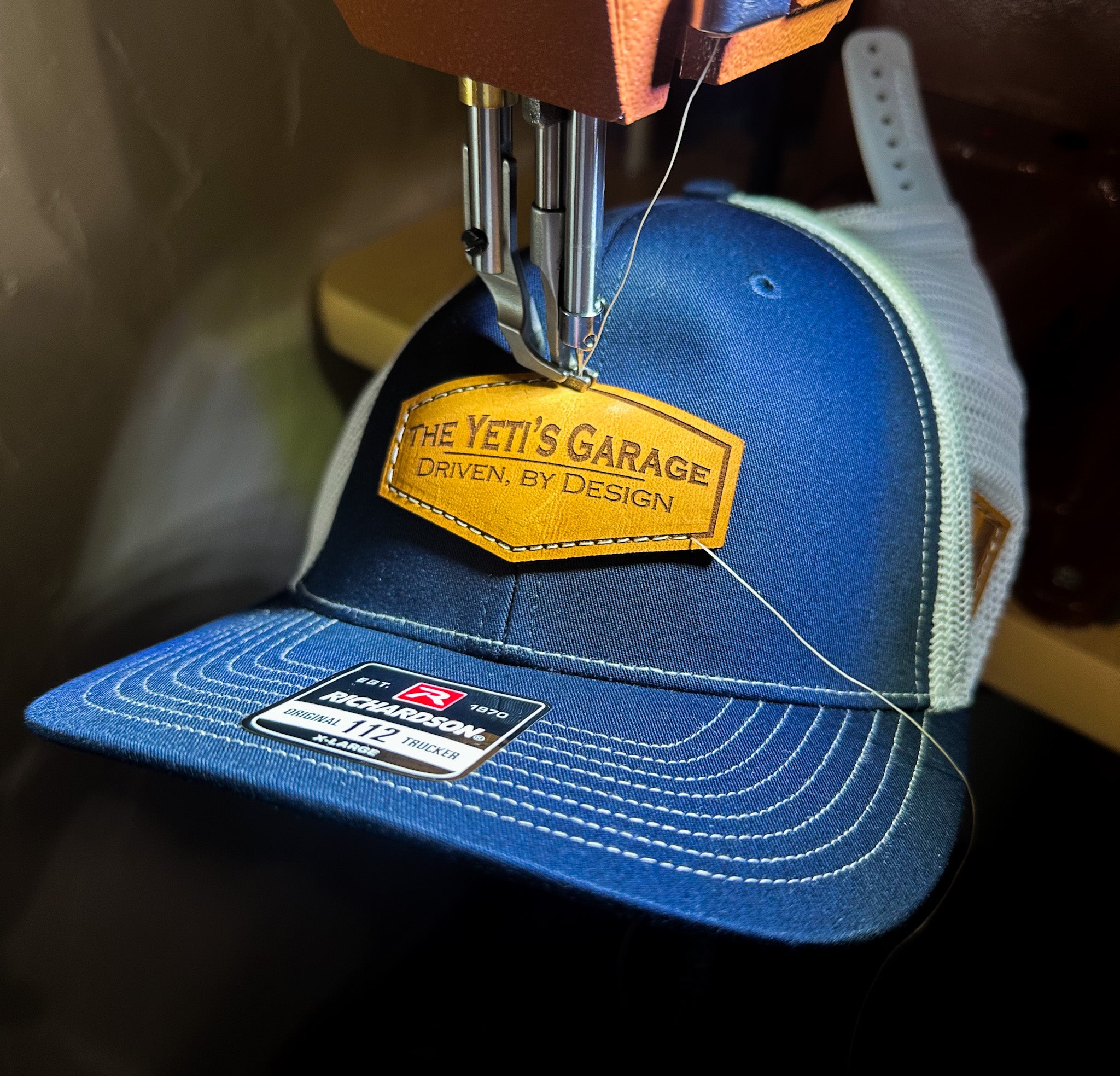
Sewn Real Leather Patches
Best for premium custom hats, brand merch, gifts, and smaller orders.
This is the signature Outer Wings option. Real leather patches are laser engraved, then sewn onto the hat for a durable, high-quality finish with a more custom feel.
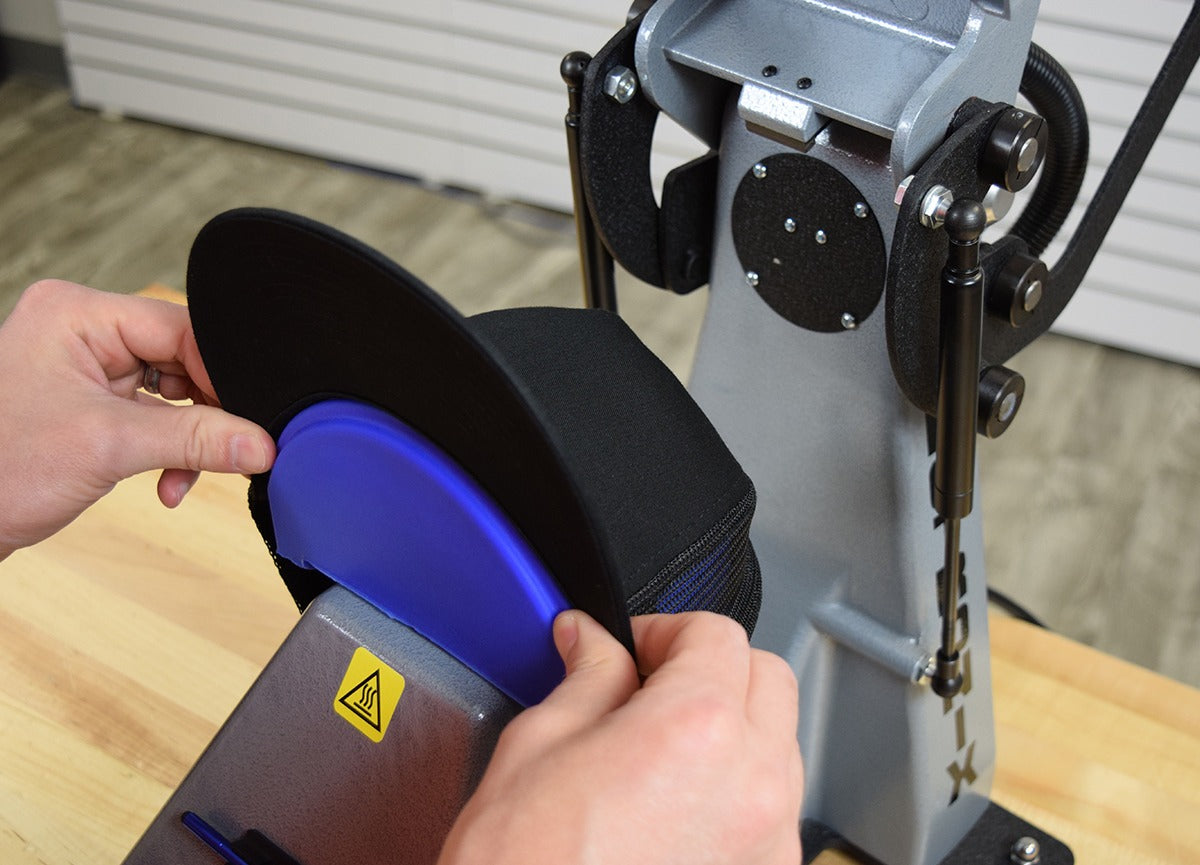
Heat-Pressed Leatherette Patches
Best for budget-friendly orders, events, giveaways, and larger quantities.
This option gives you a leather patch look at a lower cost. It works well when you need custom hats for a group, event, or business order where price matters most.
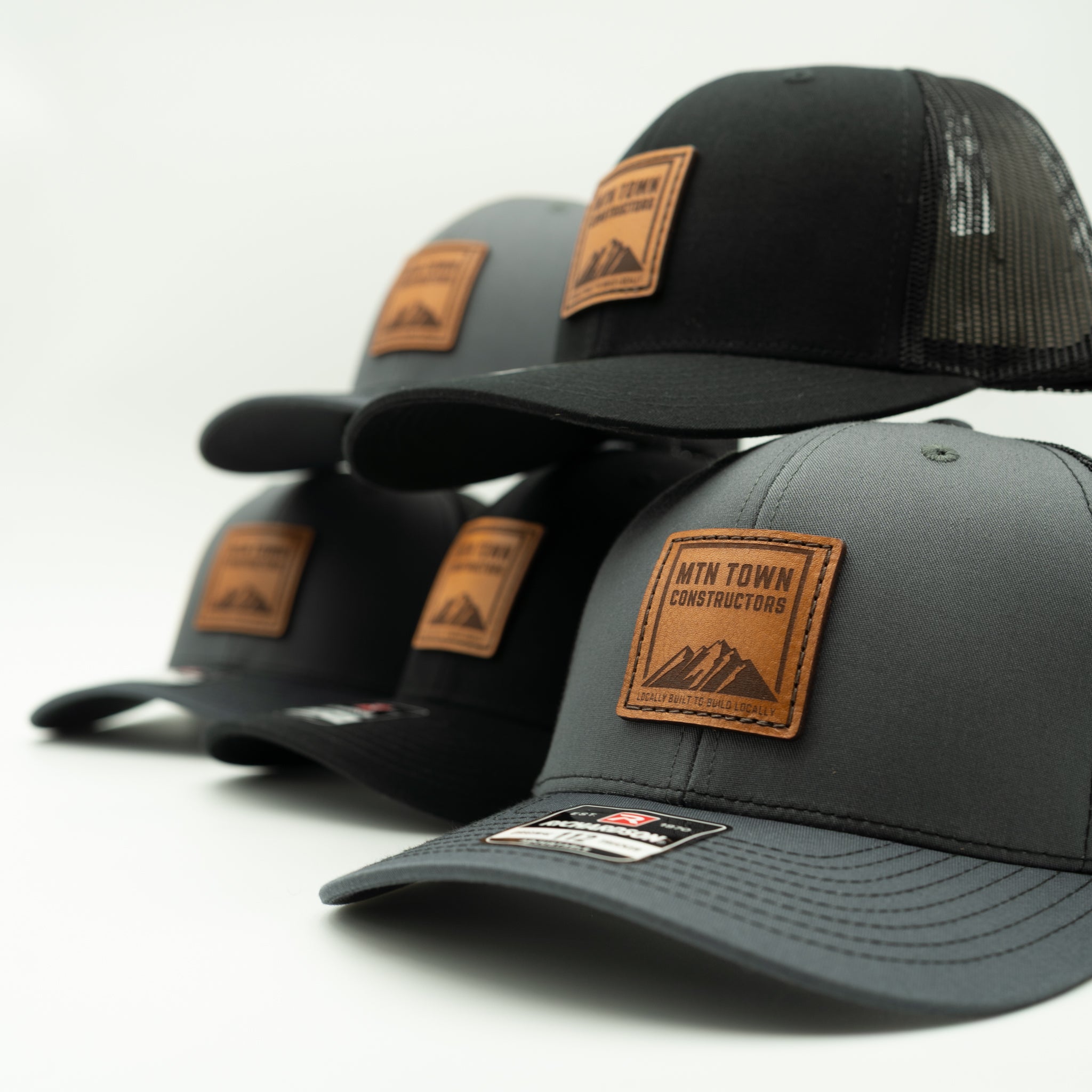
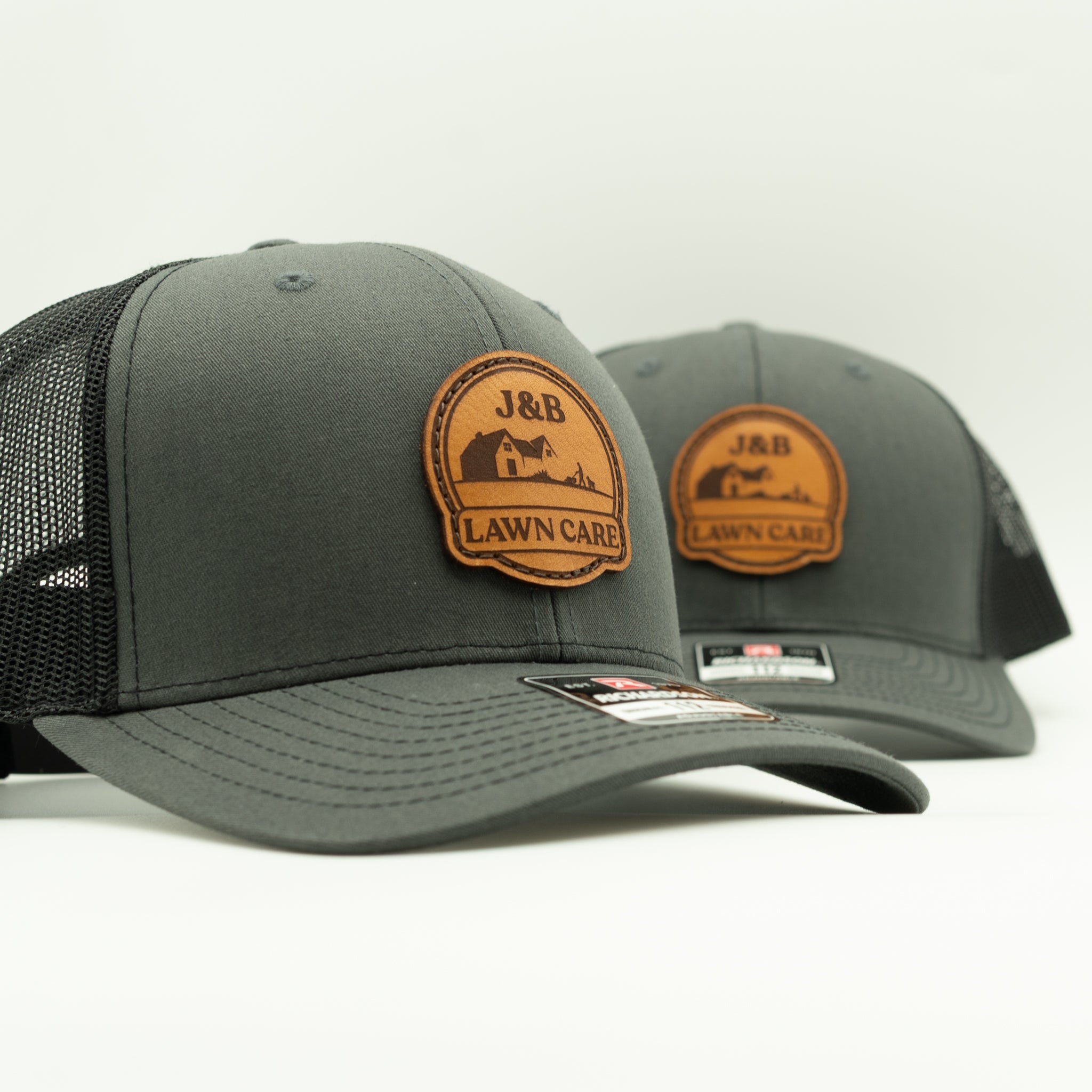
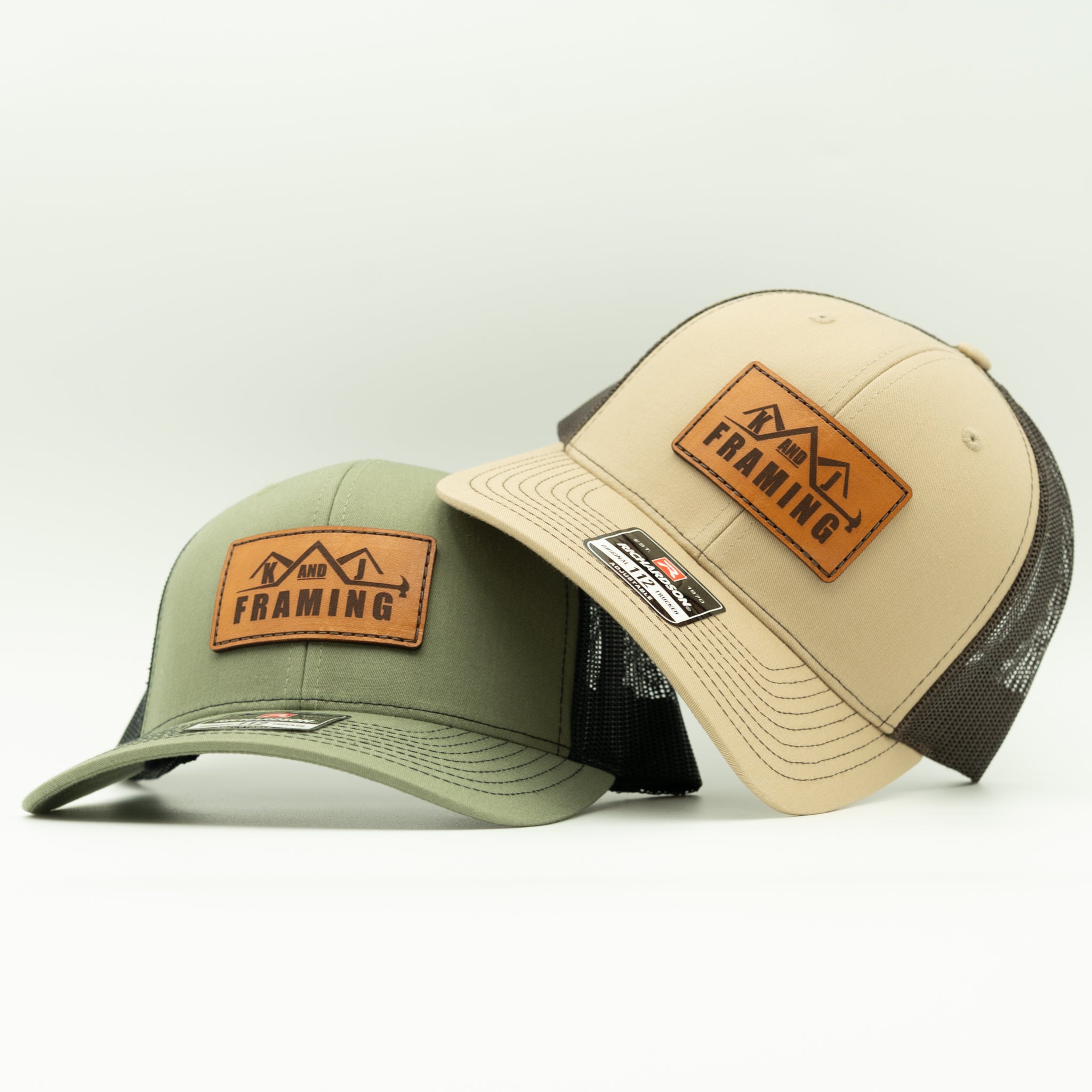
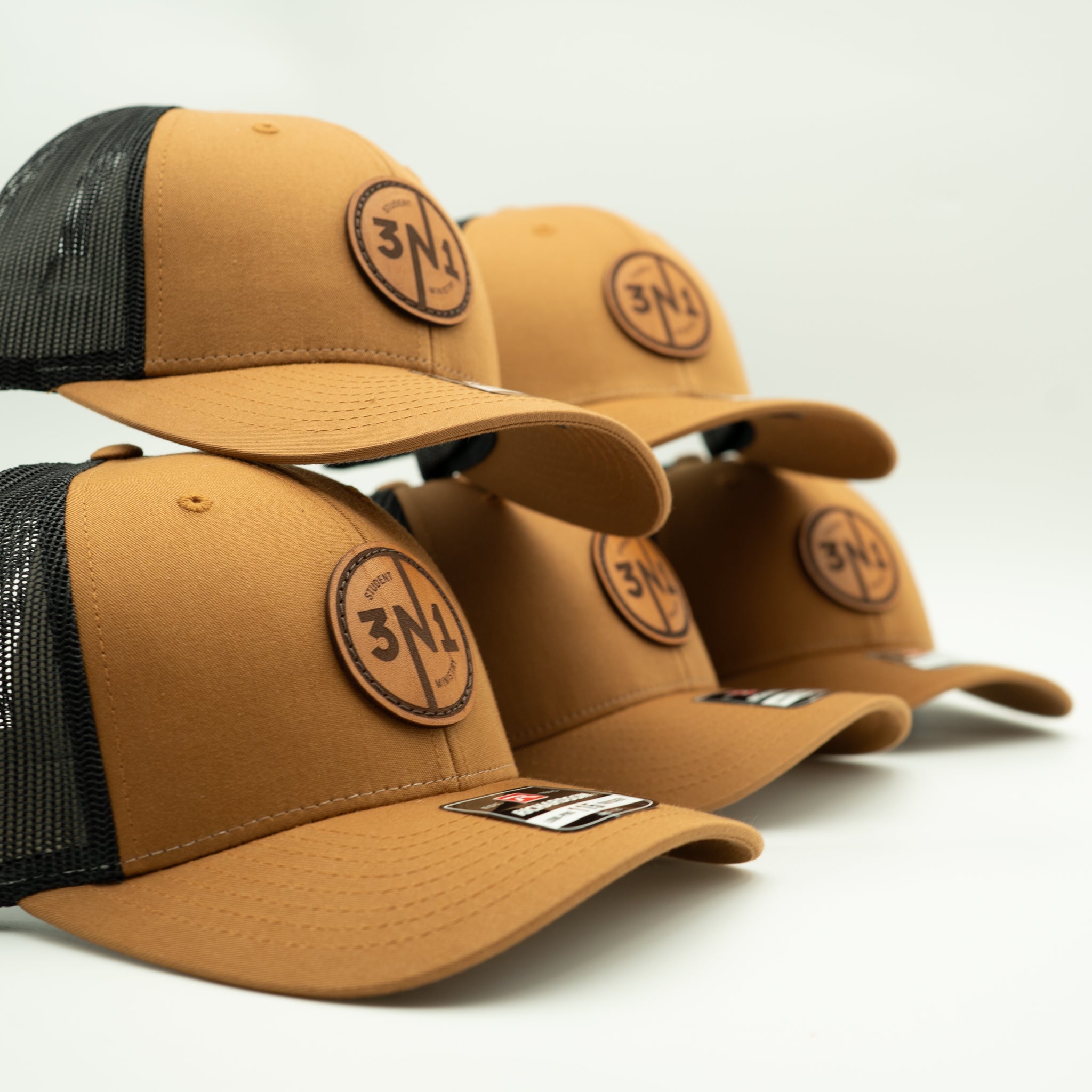
Custom Leather Patch Hat Examples
A few examples of sewn leather patch hats made for businesses, brands, events, and personal designs.


Custom Hat Questions
Not sure where to start? These are the most common questions we get before a custom hat order.
-
No. You can build your hat online, or you can send us your logo first and we'll help you choose the right hat, patch style, and layout.
-
No. You can order one custom leather patch hat, a small batch, or a larger bulk custom hat order. Outer Wings offers no-minimum custom hats, so you don’t have to order dozens just to get started. If you need custom hats for a business, event, team, brand, or group, you can order the quantity that makes sense for you.
-
For the best preview in our custom hat builder, upload a high-resolution PNG or JPG of your logo. For the cleanest engraving on custom leather patch hats, vector files like AI, EPS, PDF, or SVG are best. If we need a better file for production, we’ll review your artwork and follow up before making your hat.
-
Yes. Every custom leather patch hat order is reviewed before production. We check your logo, patch layout, sizing, and engraving setup to make sure your custom hat is set up correctly before we make it.
-
Yes. If you're not sure which hat style, color, or patch option is best, send us your logo and we can help point you in the right direction.
-
Sewn real leather is the premium Outer Wings option and has the most custom, durable feel. Heat-pressed leatherette is a lower-cost option that works well for larger orders, events, and budget-focused projects.
-
Most custom orders take a little longer than ready-made hats because we review the artwork and make the patch for your order. Larger orders or out-of-stock hat colors may require extra production time.
-
Yes. We offer bulk pricing for custom hats, whether you need a small batch or a larger order for your business, event, team, brand, or group. You can start with one hat, but larger quantities are available when you’re ready.
-
You can customize several hat styles, including trucker hats, rope hats, performance hats, low-profile hats, and other quality hat options. Availability may vary by color and style, but we’ll help you choose the best hat for your custom leather patch design.
-
Yes. Custom leather patch hats are a great option for business logos, brand merch, employee hats, client gifts, events, and local shops. Upload your logo through the builder, or send it to us first if you want help choosing the best layout.